How To Setup Bootstrap On Your PCF Project
How many of you already know about PCF (PowerApps Component Framework) control? A framework that lets us (developers) create customized UI to be used in PowerApps. Because we are talking about customized UI and I'm a pure programmer, making use of Bootstrap is always a way to go for me. Bootstrap can help me more focus on functionality without the need to think so hard about designing a beautiful UI. So this blog post will tell you in general how to install Bootstrap on your PCF Project. I got this information after reviewing one of the Ivan Ficko and Diana Birkelbach GitHub repositories that you can find here (shout out to them for their great work!).
Bootstrap has dependencies with JQuery and popper.js. So when you want to use it, you need to run this script:
npm install bootstrap jquery popper.js
After you install it, the next step is to import the bootstrap, Jquery, and popper.js javascript files in our index.ts file. So on top of your index.ts code, you need to place this code:
import 'jquery';
import 'popper.js';
import 'bootstrap';
This is the sample screenshot that I used in my project for your reference:
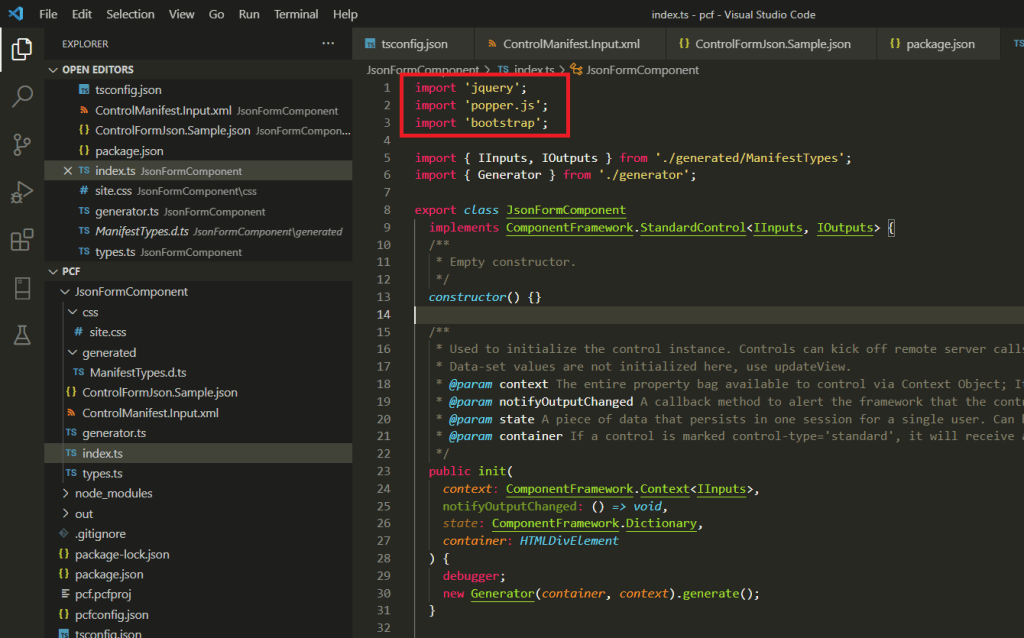 Snippet code to import jquery, popper.js, and boostrap
After the above part is done, the last part is to import the CSS that you want. To import the CSS file, you need to register the CSS that you want in the resources tag on ControlManifest.Input.xml. Because we already installed the Bootstrap NPM package, then you can find the CSS that you want below code:
...
<resources>
  <code path="index.ts" order="1"/>
  <css path="../node_modules/bootstrap/dist/css/bootstrap.min.css" order="1" />
</resources>
...
If you run your project using the command npm run start, you can see the bootstrap already running on your PCF control:
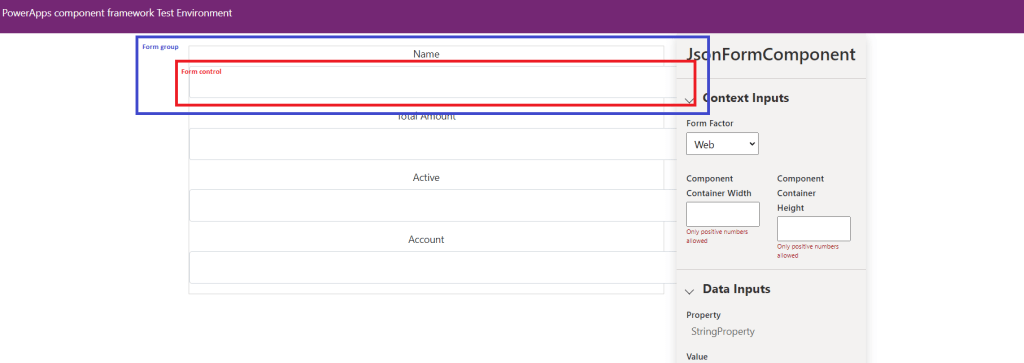 Bootstrap applied when running the PCF project
Summary
When your PCF project needs third-party libraries (like in this sample jquery, popper.js, and bootstrap) you need to import them in index.ts to let the WebPack understand that you need those files. But you must understand, that the more libraries, it will cost your performance. That's why the best practice is to load only those functions that you need to make the packing result smaller + faster.
What do you think?
Leave a comment
Your comment is sent privately to the author and isn't published on the site.